
Monday, August 24, 2015
ice posters

Natural Wonders of The World


 This is my website that I created in Contemporary Design, It composes of seven pages with information about 10 natural wonders to visit before you die. I am very sorry, I forgot to make an African one, sorry Africa. I you would like to see some natural wonders in Africa, visit this link
http://sevennaturalwonders.org/. In any case, I talk about N.A, S.A, Asia, Europe, and Oceania. I used many tools and invested a lot of work into this site. I had to create the buttons and had to rethink my page design. I had to use the rectangle tool, text tool, states, colors, and the internet. I also had to export each and every page onto the internet.
City Website


a hotel page, visitor info, must see attractions, things to do, and a home page. I copy and pasted pretty much everything from the internet including the text. I also included information about it's culture and attractions to pretend to have people interested in coming to Antalya. Hope you enjoy the website and breath taking views of the photographs.
Restaurant


Monster Movie

This week, I had to make a one minute video that had a story involved in it. It is a horror/monster mini movie. I used a black arrow/drag tool and a scale tool for the characters and a rotating tool for only one shot. One technique that I used was force perspective on 2D images. This happens in three scenes in the entire mini movie. There are also a few very suspenseful scenes. One of them, builds up the tension and then bam, there it is. Some scenes may not look scary, but they are in that is what you don't see. At the beginning, I was thinking about having a suspenseful ending having you decide what happens at the end. But then I decided to make up what really happens at the end of the mini movie. All of my clip art is from the internet and not from our clip art library. And there are no sounds or music, so you will have to imagine the sounds and music for yourself to set the mood. But always, ENJOY!
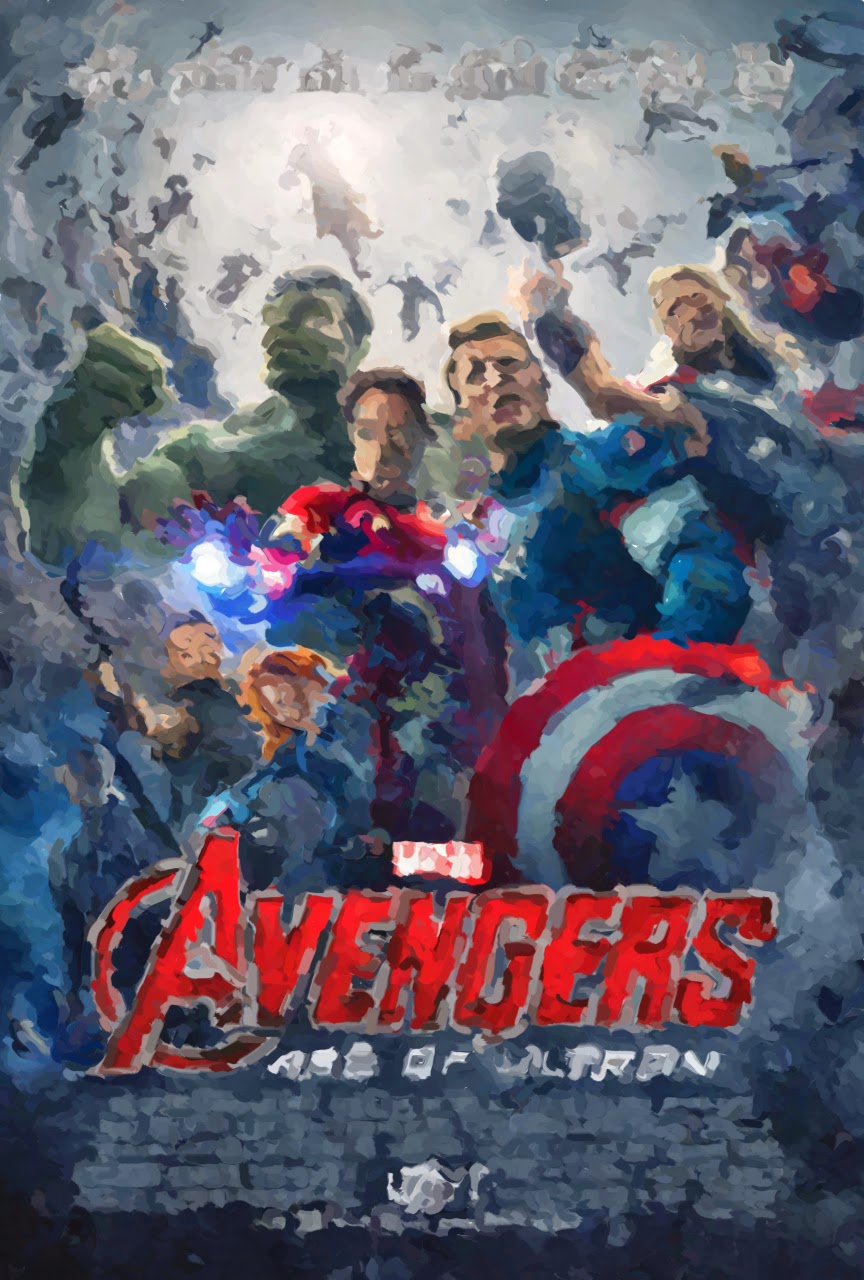
Age of Ultron movie poster
video editing

Subscribe to:
Posts (Atom)